Experience Catalyst
AI-Assisted Onboarding Agent · Adobe Experience Manager
Year
2025
Duration
12 Weeks
Role
Experience Design Intern
Team
Content Commerce
Tools
01
The Challenge
During my summer internship at Adobe, I designed an AI-assisted onboarding agent for Adobe Experience Manager using Edge Delivery Services. The product targets business users with no technical background who need to migrate or launch sites independently — without relying on Adobe's internal teams.
Proprietary Work
Completed during Adobe internship. All rights reserved by Adobe Inc. Screens shown with permission.
The Problem
Migrating or launching on AEM's Edge Delivery Services requires a 5+ person internal Adobe team, takes 2–3 months, and prevents business users from working independently — increasing TCO.
The Solution
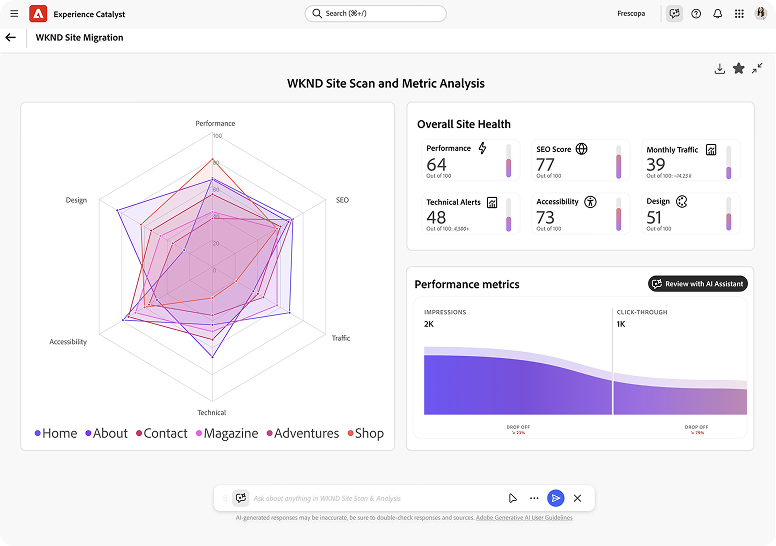
Experience Catalyst: an AI agent that guides a single user through site migration in hours, with built-in performance, SEO, and accessibility recommendations.
Current Model
- 👥Requires 5+ person technical team
- 📅2–3 months to complete
- 💸High cost, often exceeds license
- 😓Stressful for business users
New Model
- 🧑💻One person, no technical knowledge needed
- ⚡Hours, not months
- 📉Lower cost, fewer resources
- 😊Confident, not stressed
02
Meet Ananya
Before any design work began, I needed to understand who would actually use this tool. Ananya represents the core user — a business owner who is capable and motivated, but not technical.

How the current journey affects Ananya
Lack of Control
Relying on Adobe's internal teams limits customer autonomy, making migration time-consuming and costly — often surpassing the cost of the license itself.
Technical Dependency
The process is complex, with a steep learning curve for both technical and non-technical users.
No Personalization
Adobe's internal teams handle many projects, leading to standardized output with little room for customization.
03
Analyzing the Market
After understanding the user, it was time to understand CMS platforms, site migration tools, and AI industry trends. The best way to build something that lasts is to know what works — and what doesn't.
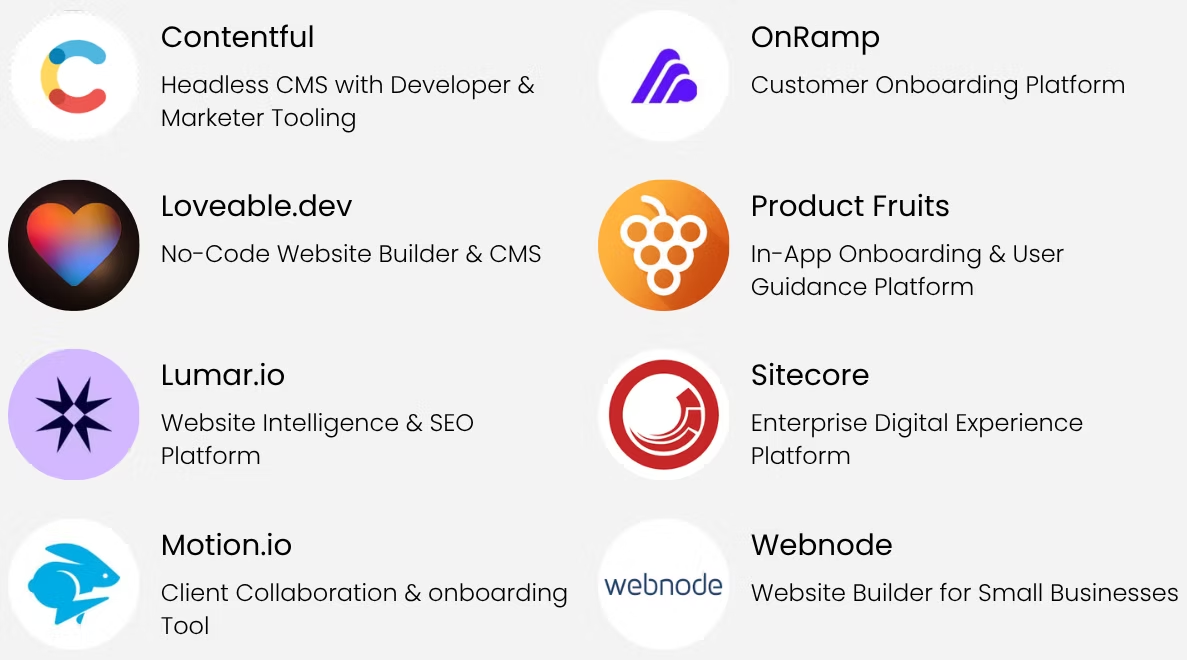
8 competitors analyzed across CMS and onboarding platforms
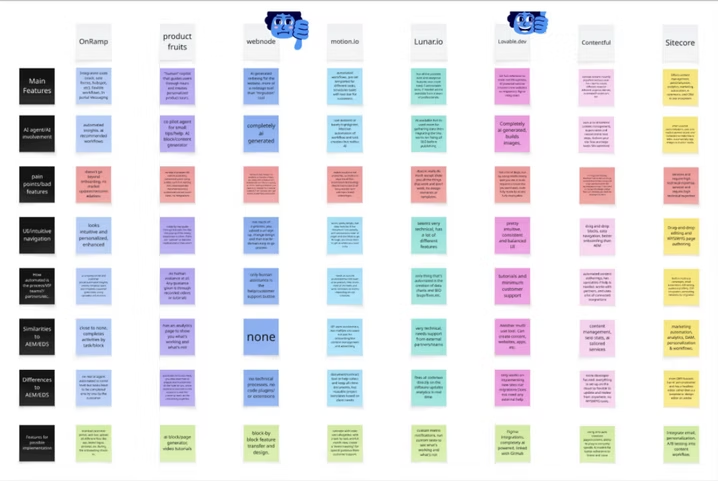
Miro board — competitor insights across AI involvement, automation depth, and feature gaps
Follow-up AI Research
AI Modalities
Industry trends, AI use cases and impact, unique features across tools
AEM Patterns
What has been done before, why it worked or didn't, existing pain points
AI + UX Overlap
Blending AI flows with UX patterns for higher impact and less friction
Human-Centered AI
How to build user trust, when to automate vs. hand control back to the user
Key Takeaways
AI Personalization
Make the experience as personalized as possible — from the agent type to the specific optimizations surfaced.
AI Transparency
An AI that explains its next steps builds trust. Users need to feel informed, not automated.
AI with a Human Touch
The agent should match human thought patterns and continuously learn from user actions.
"During AI's formative stages, UX designers must leverage dynamic visuals and multisensory expression to bridge the gap between AI's invisible power and its practical, everyday utility."
— Ken Olewiler, a design ideology that guided the process
04
Defining the Goals
With research complete, I listed everything I wanted this experience to accomplish. After grouping actions and processes, I landed on 6 main goals — then organized all potential features against them. Anything that didn't map to a goal was cut.
Self-Sufficiency
A no-code onboarding flow that lets business users migrate without hands-on support.
Simplify Migration
Automate detection and migration of key content, structure, and features from legacy platforms.
Optimize
Built-in recommendations for performance, SEO, accessibility, and responsiveness.
Build Confidence
Explainable AI, contextual help, and progress tracking so users never feel lost.
Minimize Time-to-Value
From first interaction to live EDS deployment — as fast as possible.
Scale with Intelligence
The system learns from past migrations to continuously improve future recommendations.
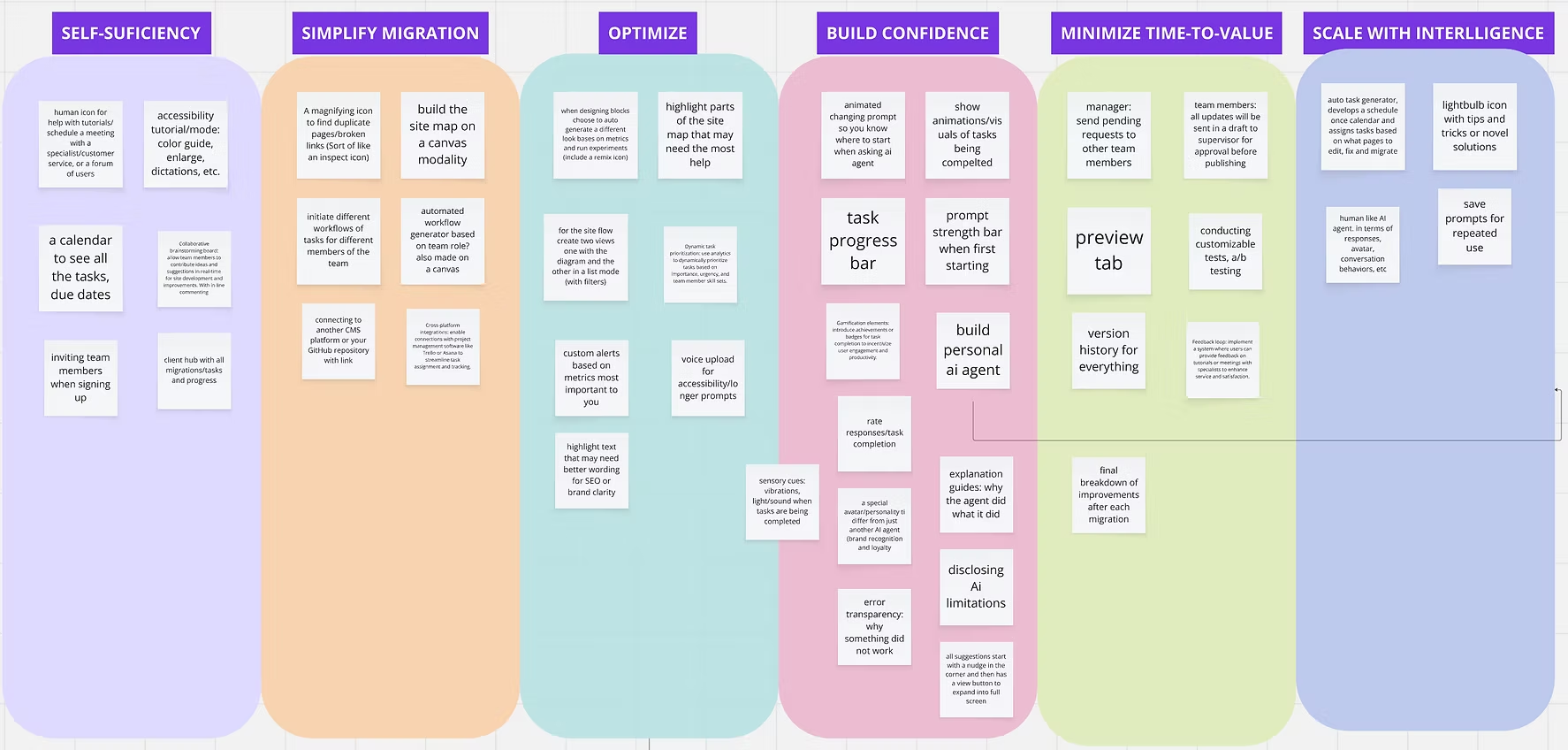
Miro board — all ideas organized by goal
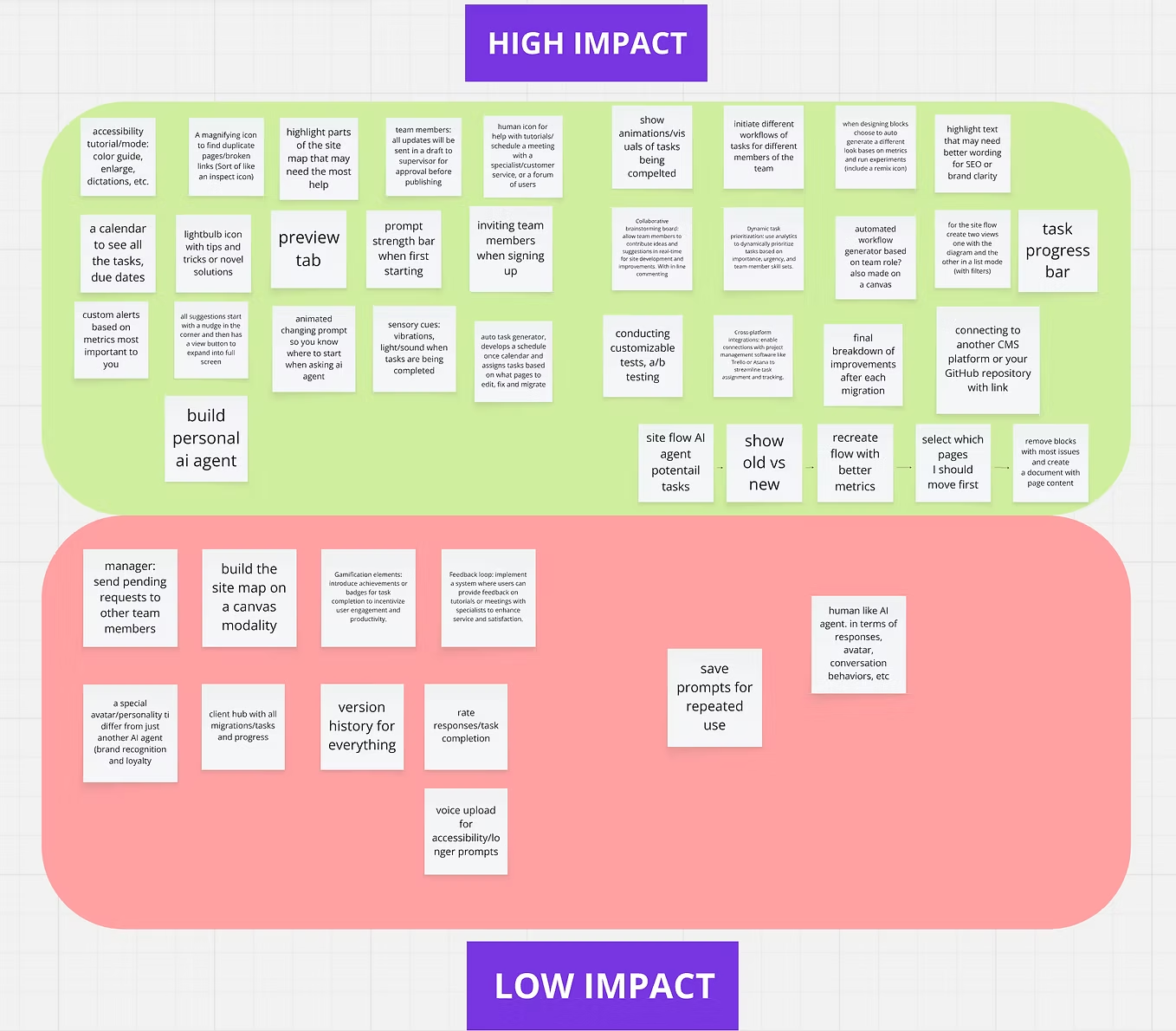
Feature prioritization — organized by impact and feasibility
05
Starting with Lo-Fis
With goals and features locked, I moved to sketching. The first journey had 4 steps: Welcome & Setup, Scan & Integrate, Migration Blueprint, and Finish Setup.
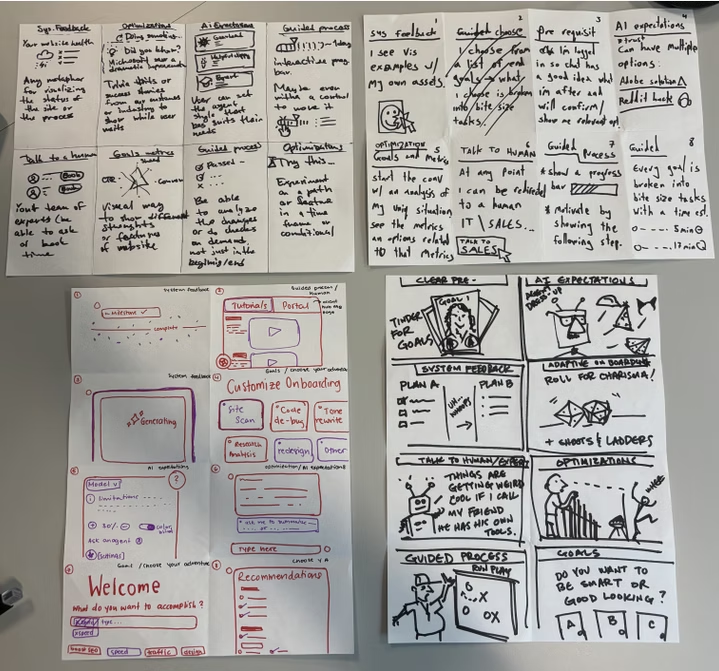
Spoiler: the feedback wasn't great
"Try to always have the easiest path for the user... right now the user is inputting information that the AI should already know and use."
— Manager
"AI needs to be the first-hand experience, not second."
— Mentor
06
Refining the Journey
The feedback was clear: the AI needed to lead, not assist. I reconstructed the onboarding journey to be AI-first, with the agent doing the heavy lifting and the user reviewing and approving at each step.
Scan & Analyze
AI scans the site and surfaces a full metric summary
Manage Opportunities
AI generates a prioritized list of improvement opportunities
Migration Plan
AI recommends three migration plans for the user to review
Choose Plan
User makes the final decision and confirms migration
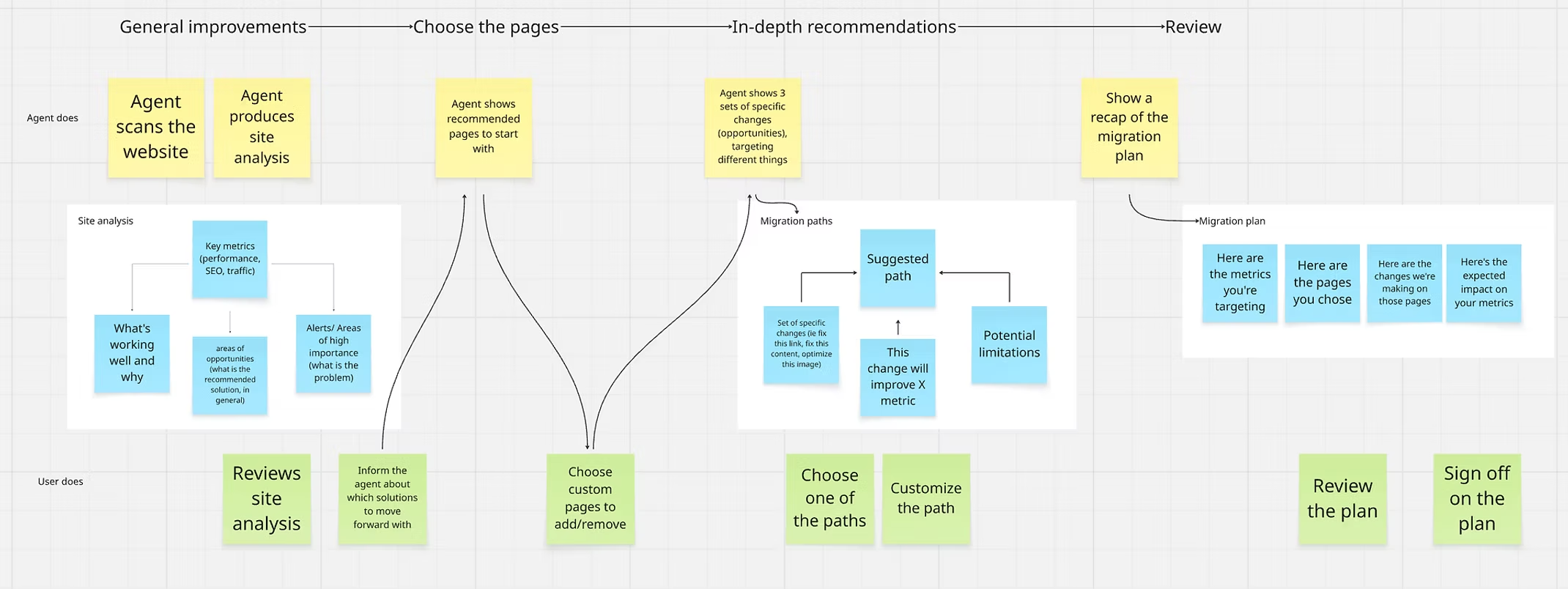
Expanded onboarding flow — main actions taken by the chat agent and user across all 4 steps
07
The Final Experience
Which after 12 weeks looked like this:
Scan & Analyze Your Site
Step 1:
Data analyst agent begins site scan
Step 2:
Get a generated summary of your site
Step 3:
Expand document to learn more about your site's metrics
Manage Opportunities
Step 1:
Get a generated list of possible opportunities
Step 2:
Filter opportunities by metric or page
Step 3:
Complete selection and wait for updates
Review Migration Recommendations
Step 1:
Review the three recommended plans
Step 2:
Compare plans you're curious about
Step 3:
Analyze the two plans to make a decision
Choose Migration Plan
Step 1:
Pick your plan and continue with migration
Step 2:
Review migration outline and updated assets
Step 3:
Wait for approval and try a new task
08
Lessons Learned
I'm grateful for the opportunity to learn, grow, and connect with so many talented people at Adobe. Although 12 weeks goes fast, the project left a strong foundation for what comes next.
Next Steps
- Finalize interactions and sync with the dashboard
- Explore micro-interactions — notifications, offline activity, agent modes
- Conduct user testing and redefine the flow based on feedback
- Hand over project to stakeholders with full documentation
This project taught me that...
- You can only do so much — limited time means tough prioritization calls
- Enterprise projects make it hard to find real users. Stakeholder feedback becomes your primary input
- Designing a feeling is hard. AI trust is invisible — it has to be earned through every interaction
- Change is constant. The best you can do is design for flexibility
09
Acknowledgments
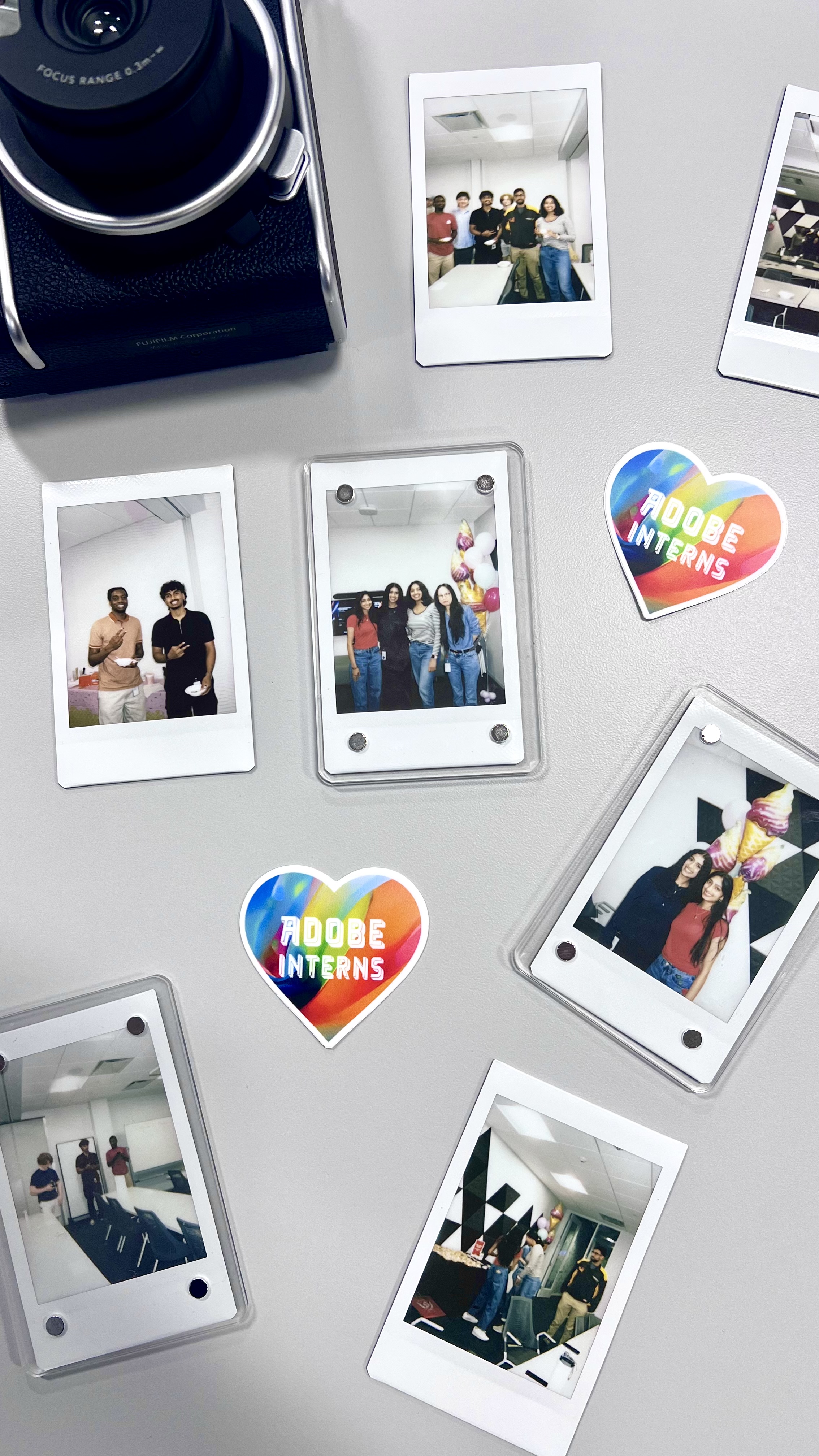
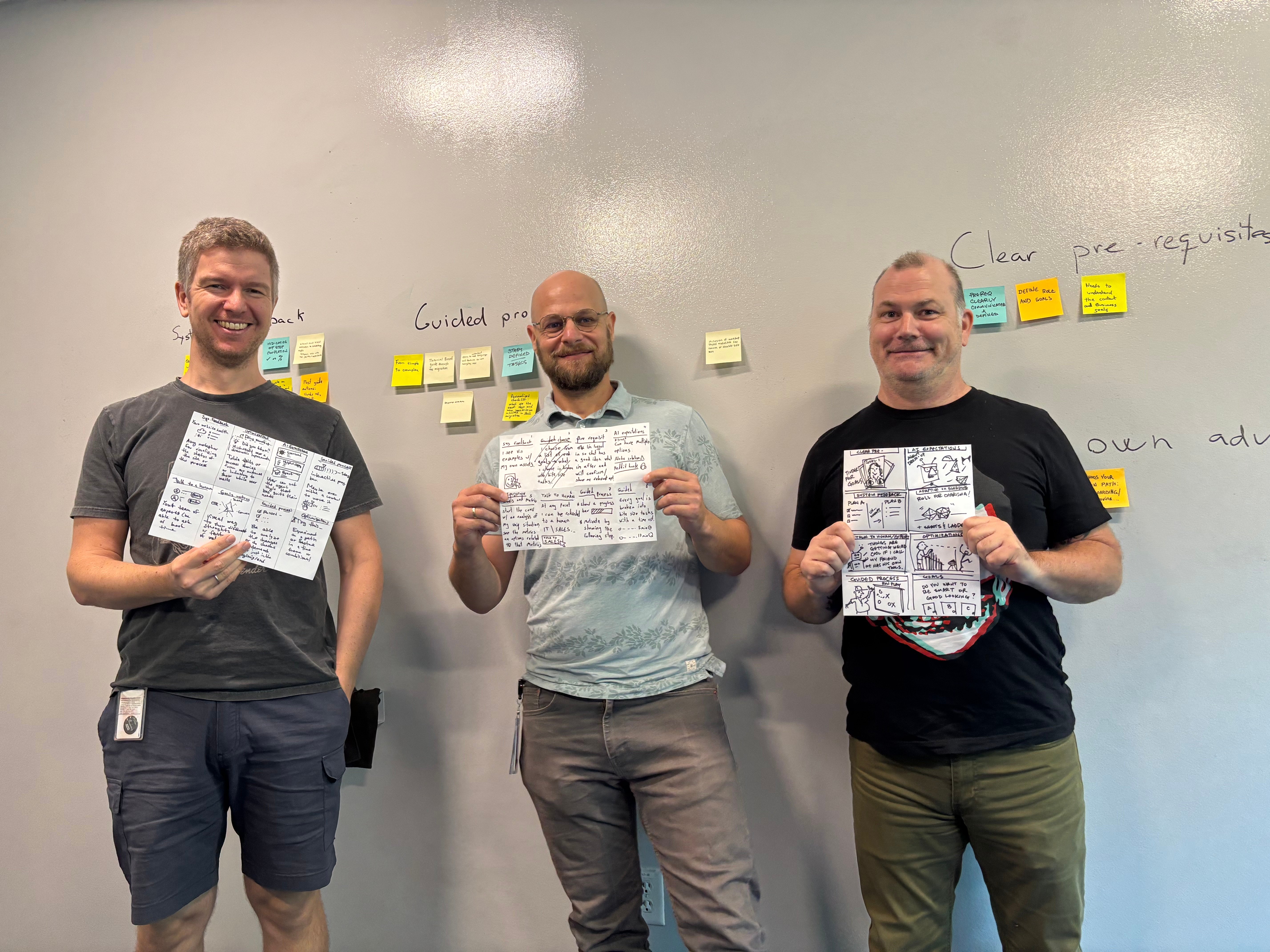
This internship was one of the most rewarding experiences of my career. Beyond the project work, I had an incredible time connecting with fellow interns, collaborating in brainstorming sessions, and soaking in the creative energy at Adobe. The memories from whiteboard sessions, team lunches, and intern events made this summer truly unforgettable.
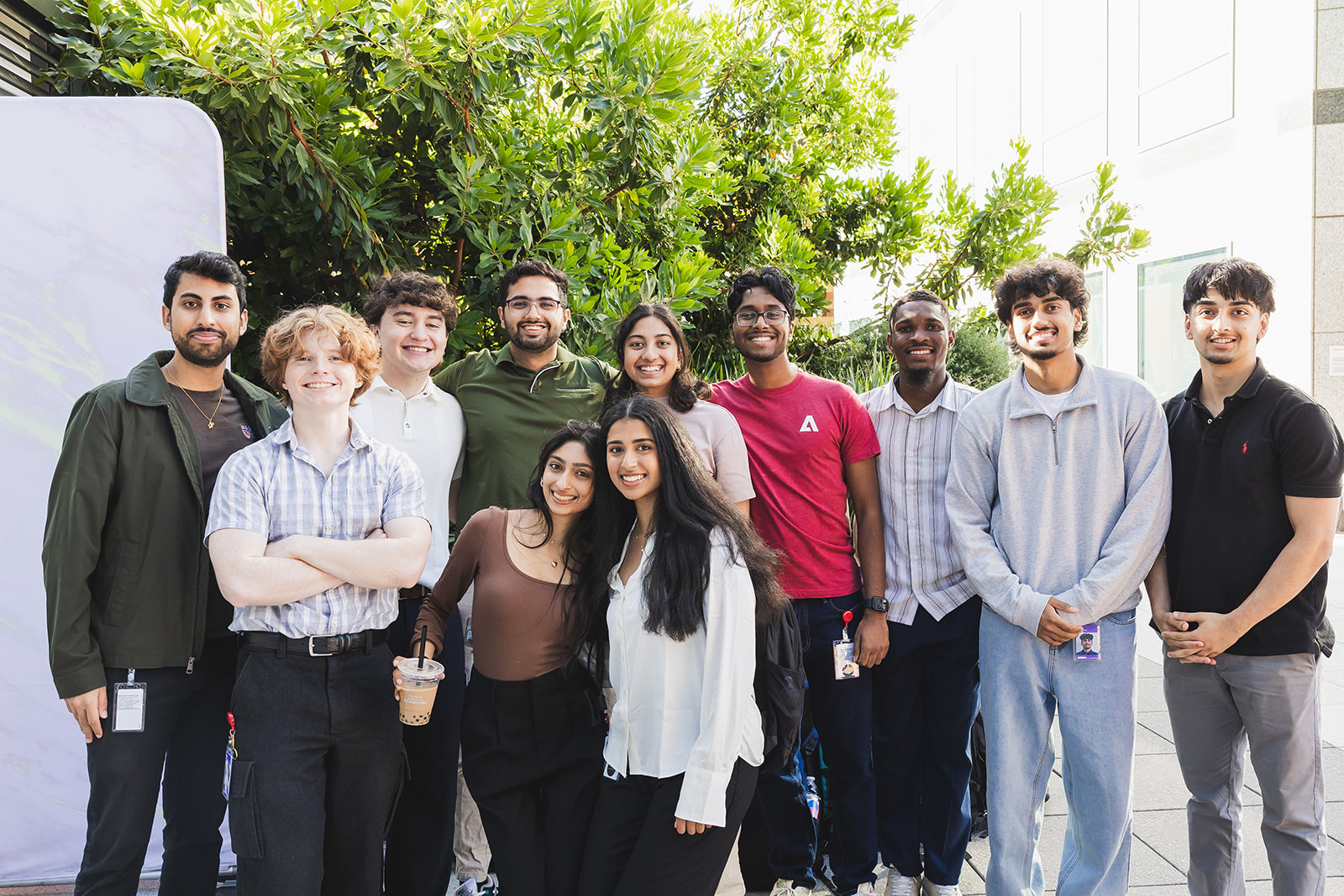
Special Thanks
I am deeply grateful to the incredible people who guided and supported me throughout this journey.
Manager
Silvia Mulet Ferre
Sr Manager, UX Design
For providing invaluable guidance and creating space for me to grow as a designer.
Mentor
Celina Hipolito
Senior Designer
For offering thoughtful feedback and helping me navigate the complexities of enterprise design.
And to everyone else who made this project possible — thank you for an unforgettable summer.
Learn More
Final Presentation
Want to explore the full research, design decisions, and final prototype walkthrough? View the complete final presentation below.
Final PresentationNext Journey
Explore More Journeys→